Feature
Dirt Bike Ride Tracker That Updates Your Hours
Most riders forget to update their hours, and the maintenance schedule drifts. MotoMind's ride tracker fixes that at the source: start a ride, ride, save it, and the bike's hours and miles move forward on their own.
At A Glance
- Start and stop rides from the Ride tab on iPhone.
- Saved rides add elapsed time to the bike's hours and GPS distance to its miles.
- Rides save offline and sync when you have signal again.
- No route map or raw GPS coordinates are stored, only the ride summary.
What The Ride Tracker Does
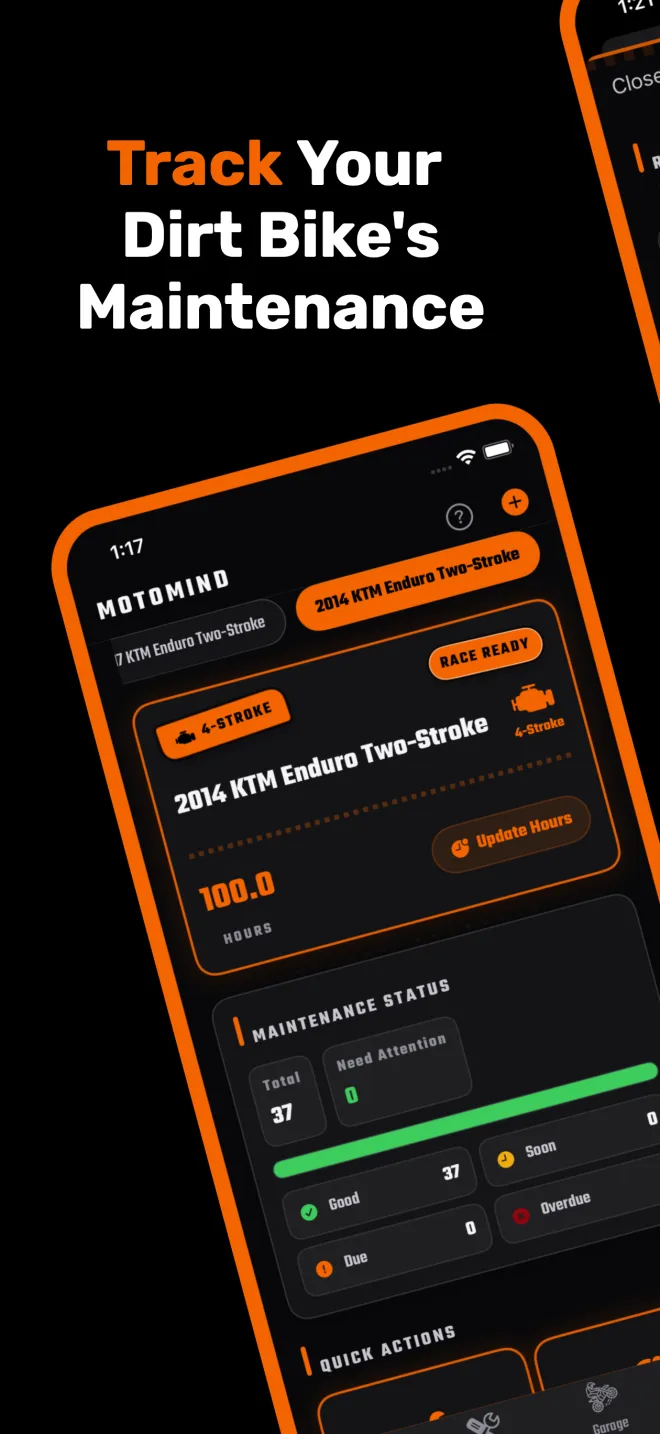
Pick the bike, start the ride, and put your phone away. When you stop and save, MotoMind adds the elapsed ride time to that bike's engine hours and the GPS distance to its total miles. Because every maintenance task in MotoMind is tied to hours or miles, the due status for your oil change, air filter and top end updates automatically after each ride.
Ride Time Versus Engine Hours
Elapsed ride time includes stops, such as sitting on the line or waiting at a trail junction. It is a consistent estimate of use, not a measured engine-running meter. If your bike has a physical hour meter, treat the meter as the source of truth and correct the hours in MotoMind whenever they drift. If your bike has no meter, ride time is a far better basis for service than memory.
Built For Places With No Signal
- A ride that ends without signal is kept on your phone and uploaded later. MotoMind retries when the app opens, comes back to the foreground, and from the Retry button in the ride tracker.
- Gaps in GPS are not filled with straight-line guesses, so a lost signal does not inflate your miles.
- A time-only ride still adds hours even if no distance was recorded.
Privacy
MotoMind keeps the ride summary, which is the duration and distance, and adds it to your bike. It does not store raw coordinates or route geometry, so your favorite trails stay yours.
Where It Fits In Your Maintenance Routine
Once rides are updating your hours, set your service intervals from your owner's manual. Our maintenance schedules by model list the manual intervals for popular bikes, and the hour meter and service log page explains how MotoMind calculates what is due next.
FAQ
Does the MotoMind ride tracker add engine hours automatically?
Yes. When you save a ride, MotoMind adds the elapsed ride time to the selected bike's hours and the GPS distance to its miles.
Does ride time match my hour meter?
Not exactly. Ride time includes stops, while an hour meter counts engine running time. If your bike has an hour meter, use its reading and correct the hours in MotoMind when needed.
Does the ride tracker work without cell service?
Yes. Rides are kept on your phone and uploaded when you are back online. MotoMind retries automatically and you can also tap Retry in the ride tracker.
Does MotoMind save my GPS route?
No. MotoMind stores the ride summary, which is the duration and distance, not raw coordinates or a route map.
Is the ride tracker free?
Yes. GPS ride tracking is included in the free version of MotoMind.
Ride. Save. Hours Updated.
MotoMind tracks your maintenance intervals automatically by engine hours, and the ride tracker keeps those hours current.